Getting Started
Connecting EFC Mainnet To Metamask
Welcome to the guide for [EFC Mainnet] — a fast, scalable blockchain built for real-world Web3 applications.
What You’ll Need
Step 1: Create a Wallet
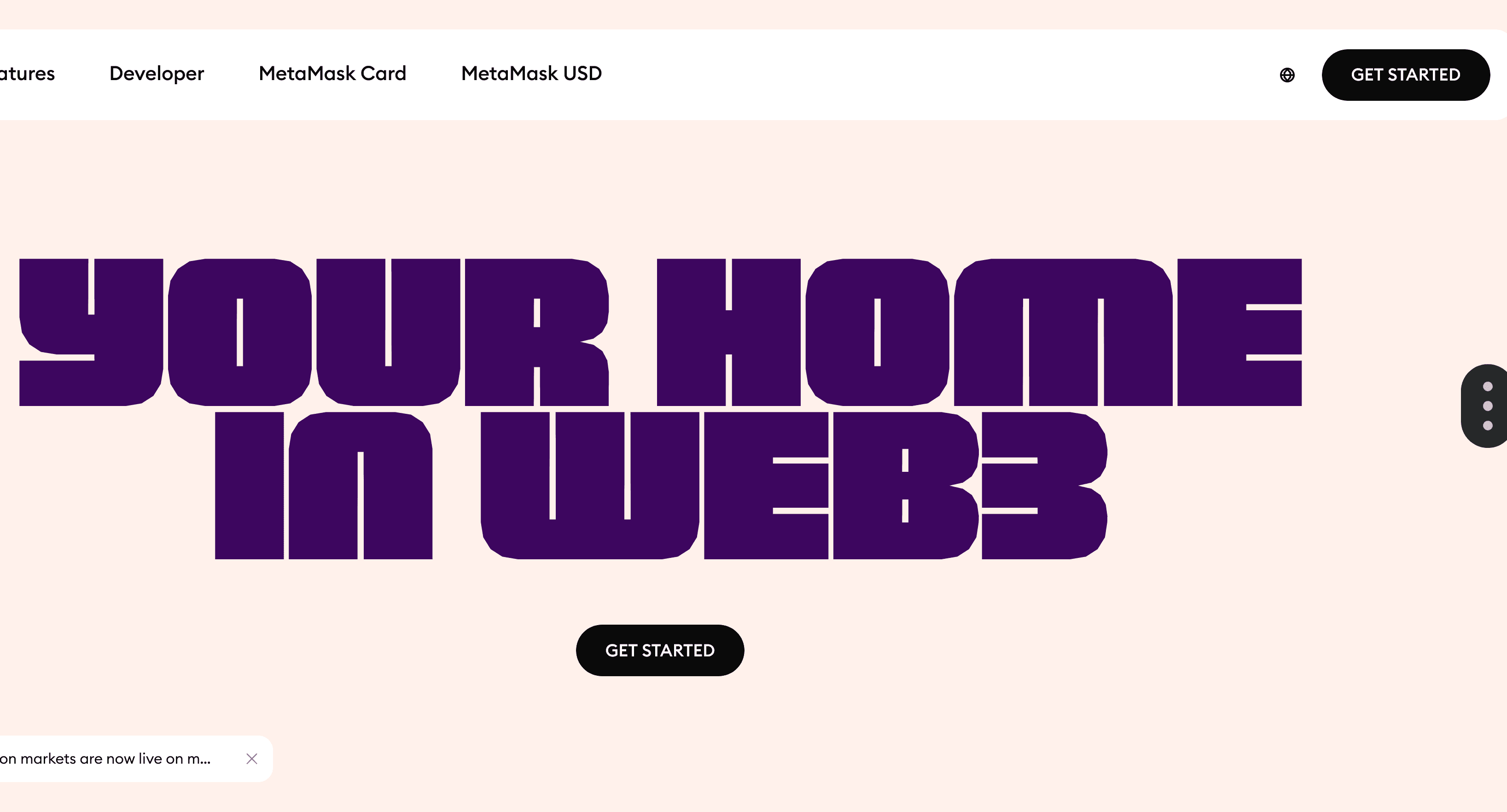
To generate a wallet, install the
metamask wallet desktop or mobile version by clicking on the get started button.Metamask URL https://metamask.io/
Create a new wallet by fallowing the setup instructions on metamask.
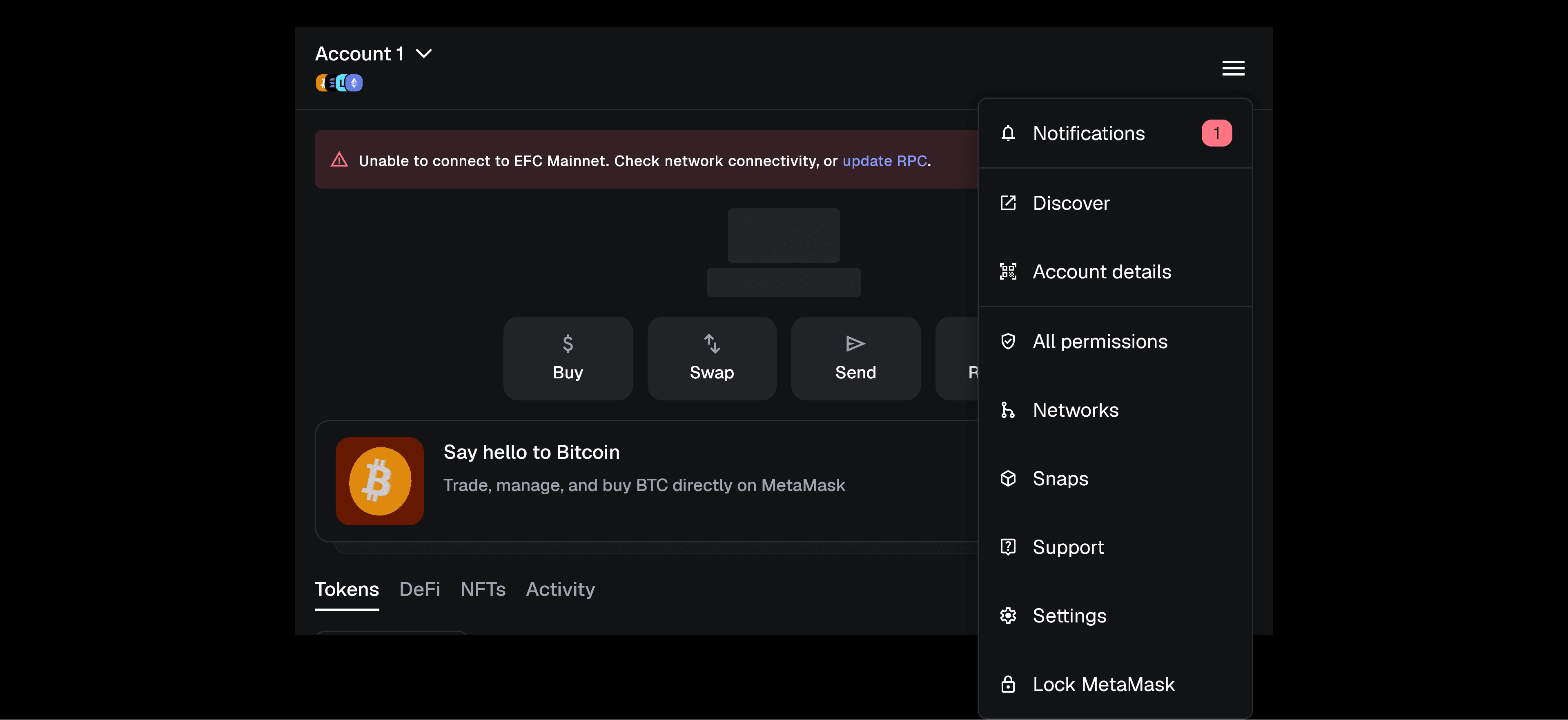
Once You have created a wallet locate the network section by clicking the top right three line icon.
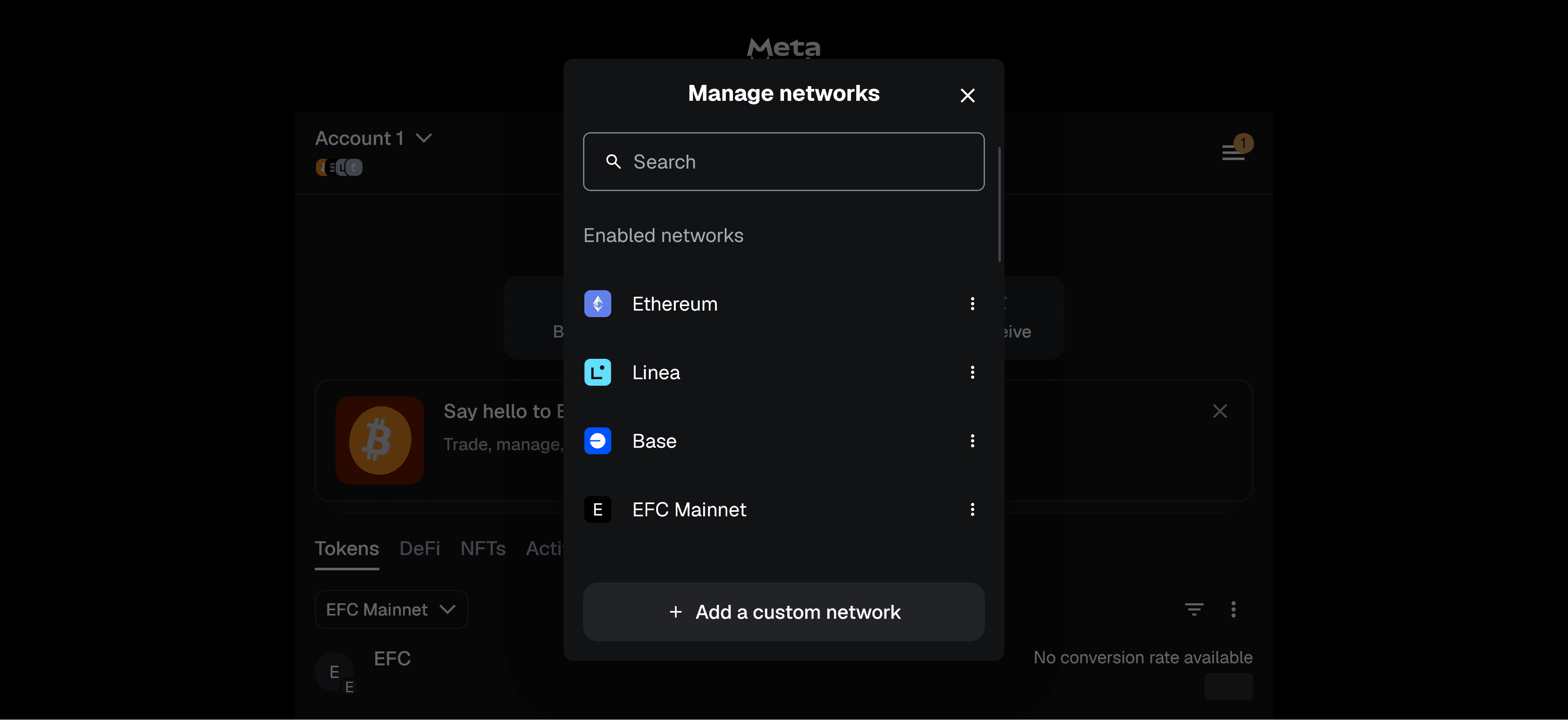
Once you click network button you will see at the bottom of the screen add custom network.
Once you have clicked on the but add a custom network you should see the option to enter the chain details.
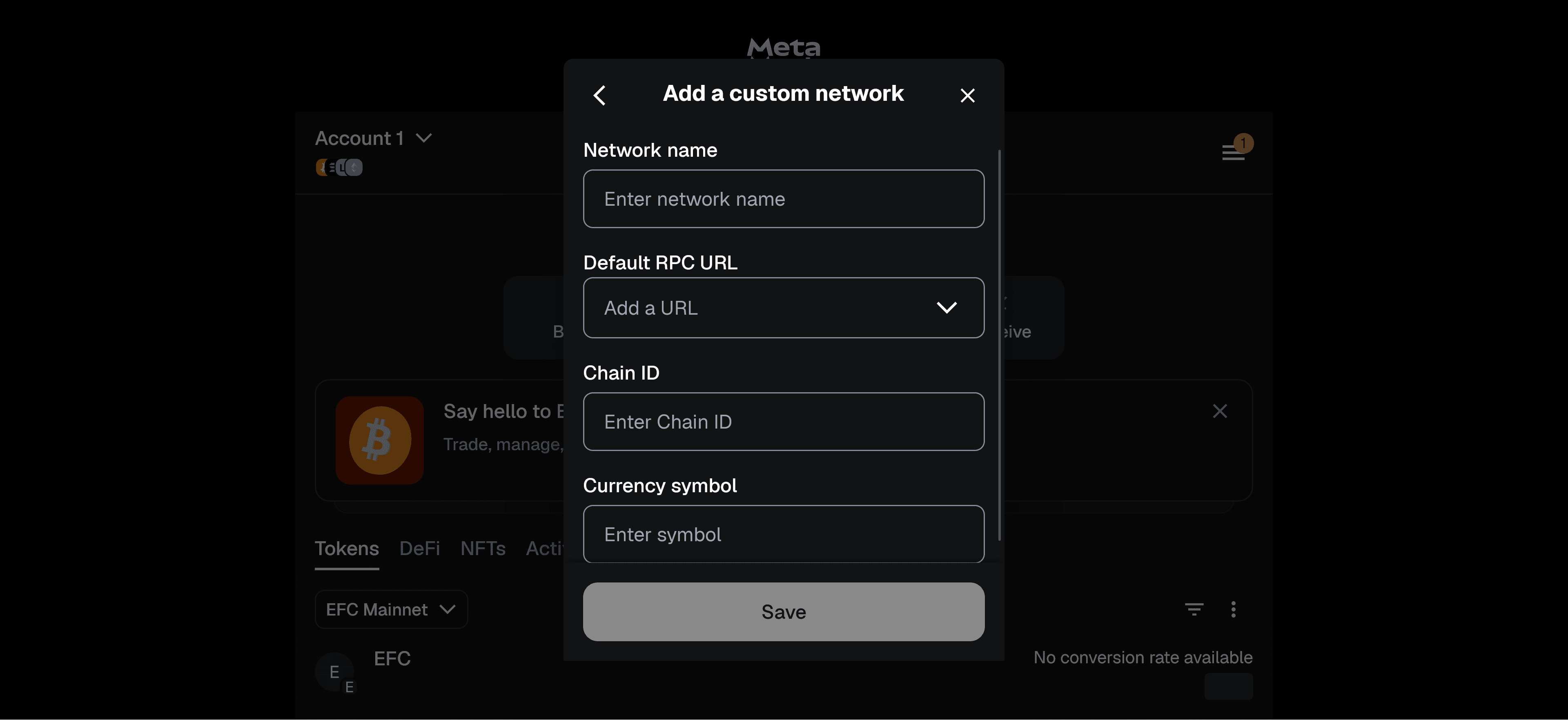
Begin enter the fallowing information
Network Name
EFC Mainnet
network Symbol
EFC
RPC Link
rpc.efcmainnet.com/
Chain ID
49851
Once you have entered this information click save and efc mainnet is now added to networks you can interact with.
What’s Next?
Now that you’ve completed the basics, you’re ready to explore more:
Learn how to write and deploy smart contracts
Dive into advanced tooling using our Python or Rust SDKs
Build and test your first decentralized app (dApp)